Introducing Ticker: The Last Day of the Month, Fixed
I got tired of filling in my Jira timesheet by hand, so I built a native Mac menu bar timer that does it for me while I work, and handles my tickets too.
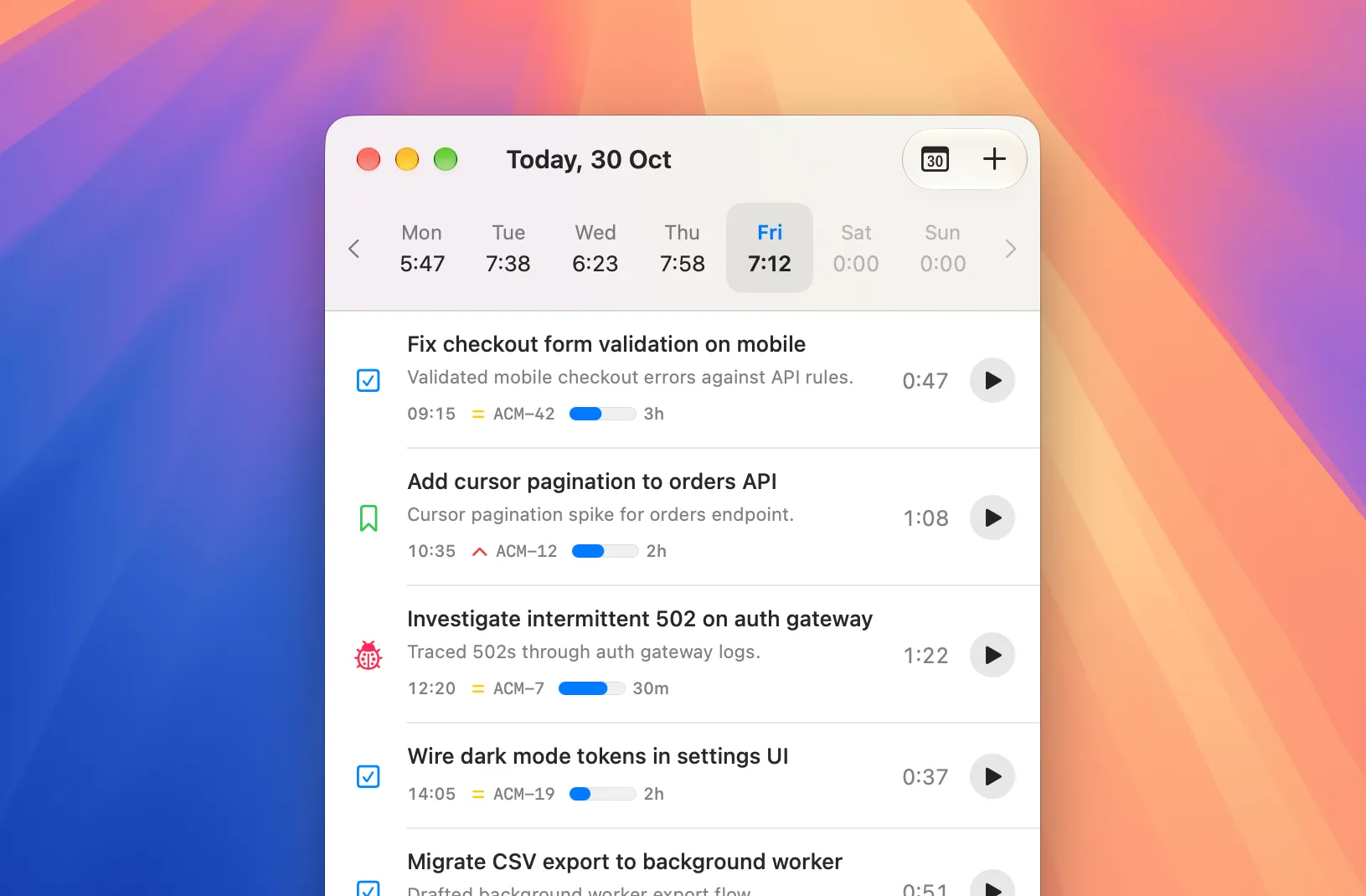
Hardly anyone whose work lives in Jira tickets tracks their hours where their company expects them. I’m one of those people.
The timer was never the problem
Timesheet software is built for the people who read timesheets, not the people who fill them in. When it offers a timer at all, it’s an afterthought, usually a Chrome extension. Which is odd, because there’s no shortage of great timer apps.
Not one of them sends my hours to the timesheet I have to fill in every single month.
My company wants my hours in Jira and Tempo. I want Harvest, because its menu bar app never gets in my way. Those two worlds don’t meet, so at the end of every month I pay the toll: Harvest on one side of the screen, Tempo on the other, and a whole month of hours copied across, one entry at a time.
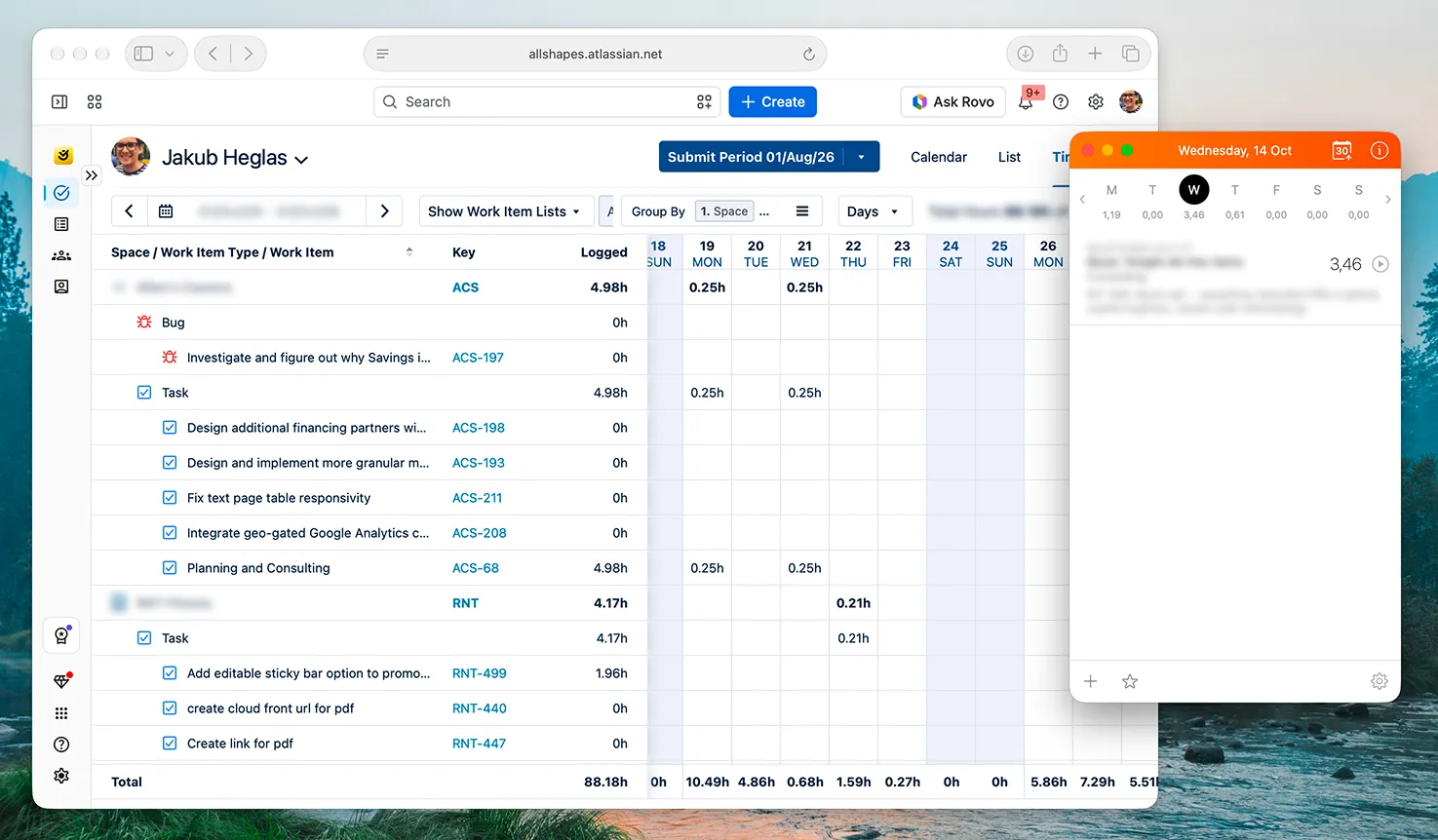
That’s an hour or two of my life, every month. I told myself it was a fair trade for a month of effortless tracking. Judging by my colleagues and freelancer friends, I’m not the only one making it.
Some call it timesheet anxiety. I’d call it a recurring meeting I can’t opt out of.
So I built Ticker
I didn’t want a better timer. Harvest is lovely. I wanted Harvest’s ease, with my hours landing straight in Tempo.
I didn’t want a middleman either. There are big time-tracking suites that can be wired up to Jira, but each one is another account to log into, another dashboard, and another place my hours sit before they reach the one place they need to be.
That’s a lot of machinery for something that should take one click. I wanted something light.
That’s Ticker.
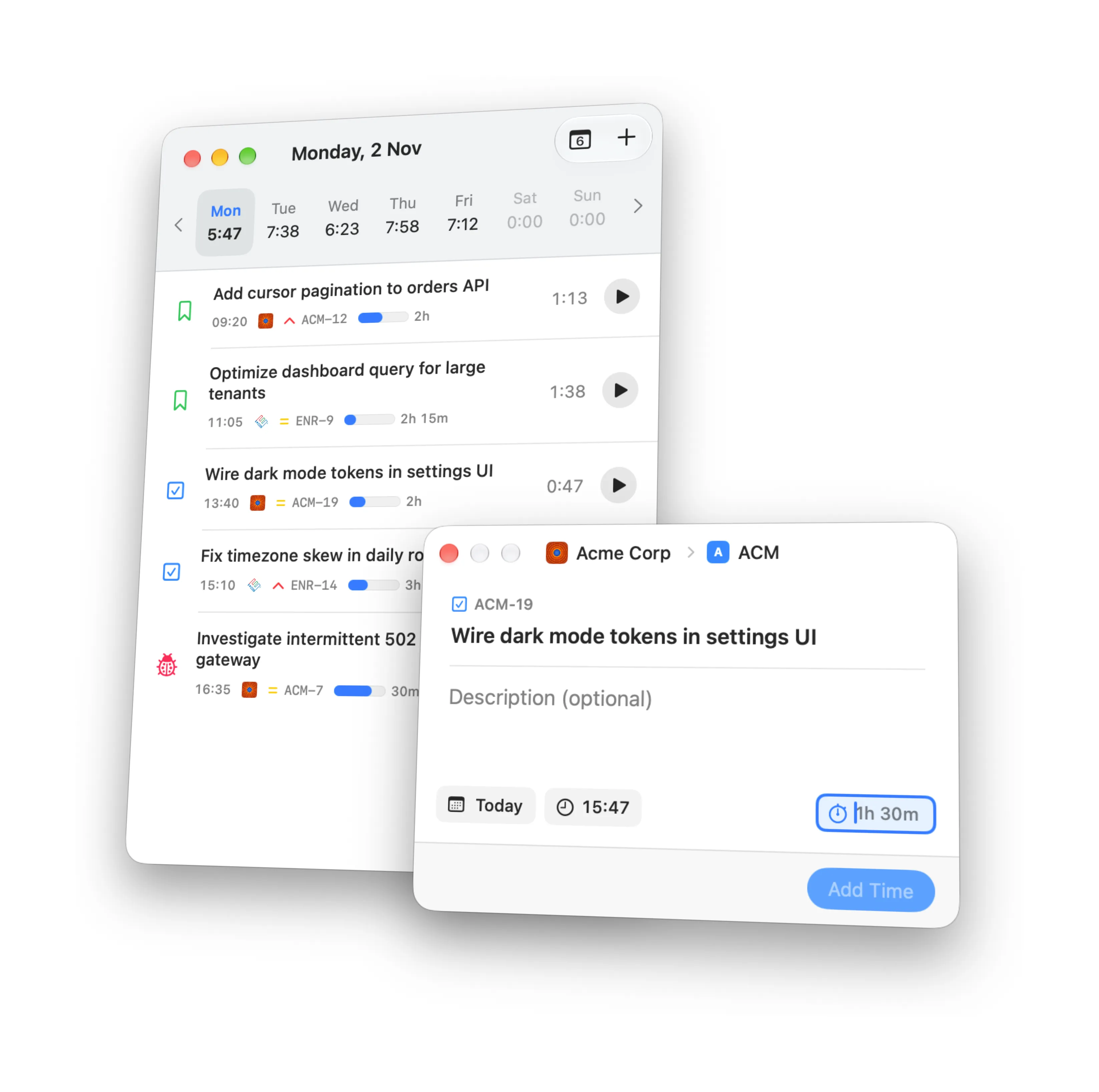
What’s in the box
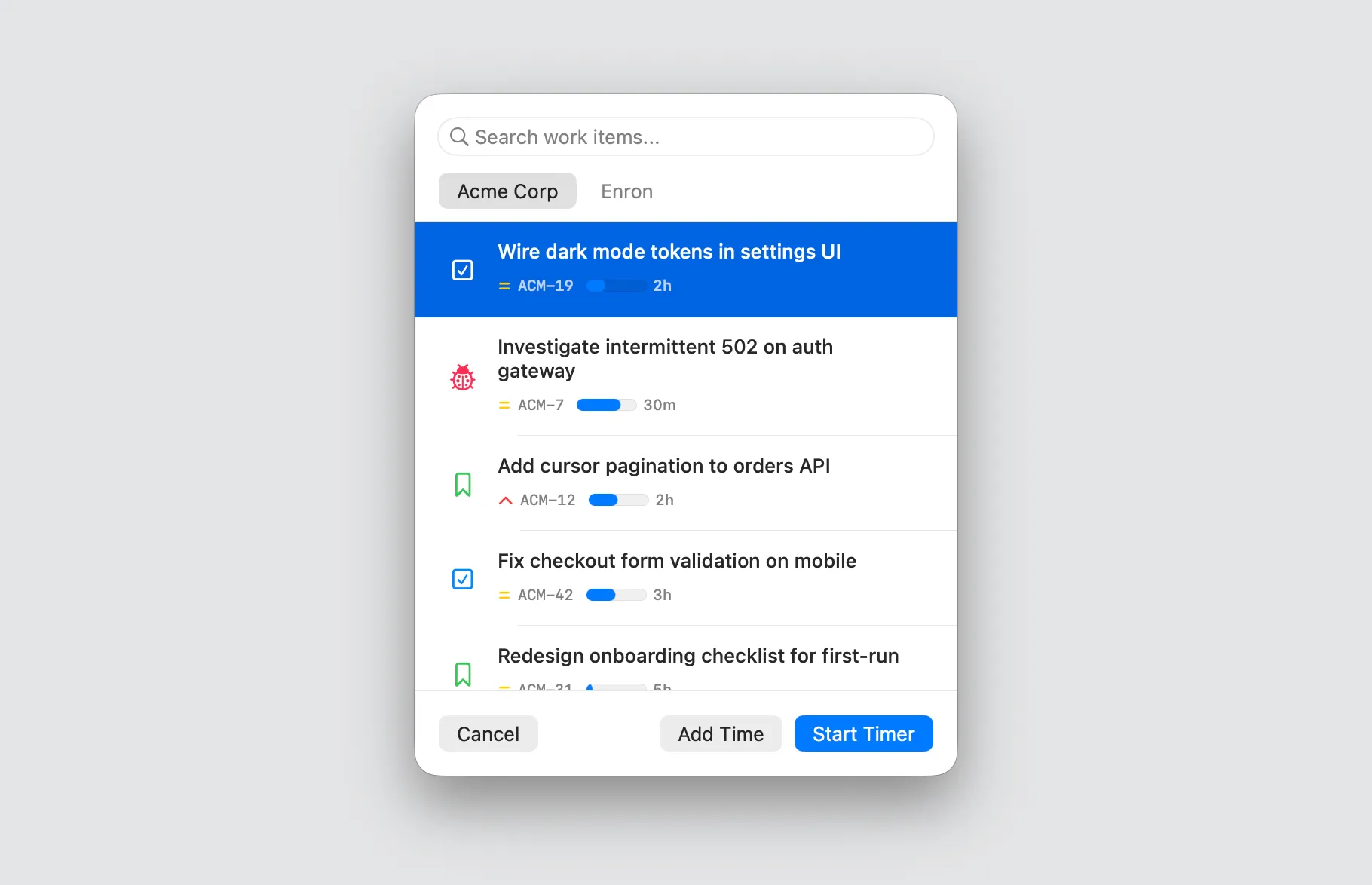
Find any ticket in a second
Open search, type a few letters or paste a Jira link, and there it is, across every Jira site you’ve connected. The tickets you worked on recently show up before you type anything.
Create tickets without opening Jira
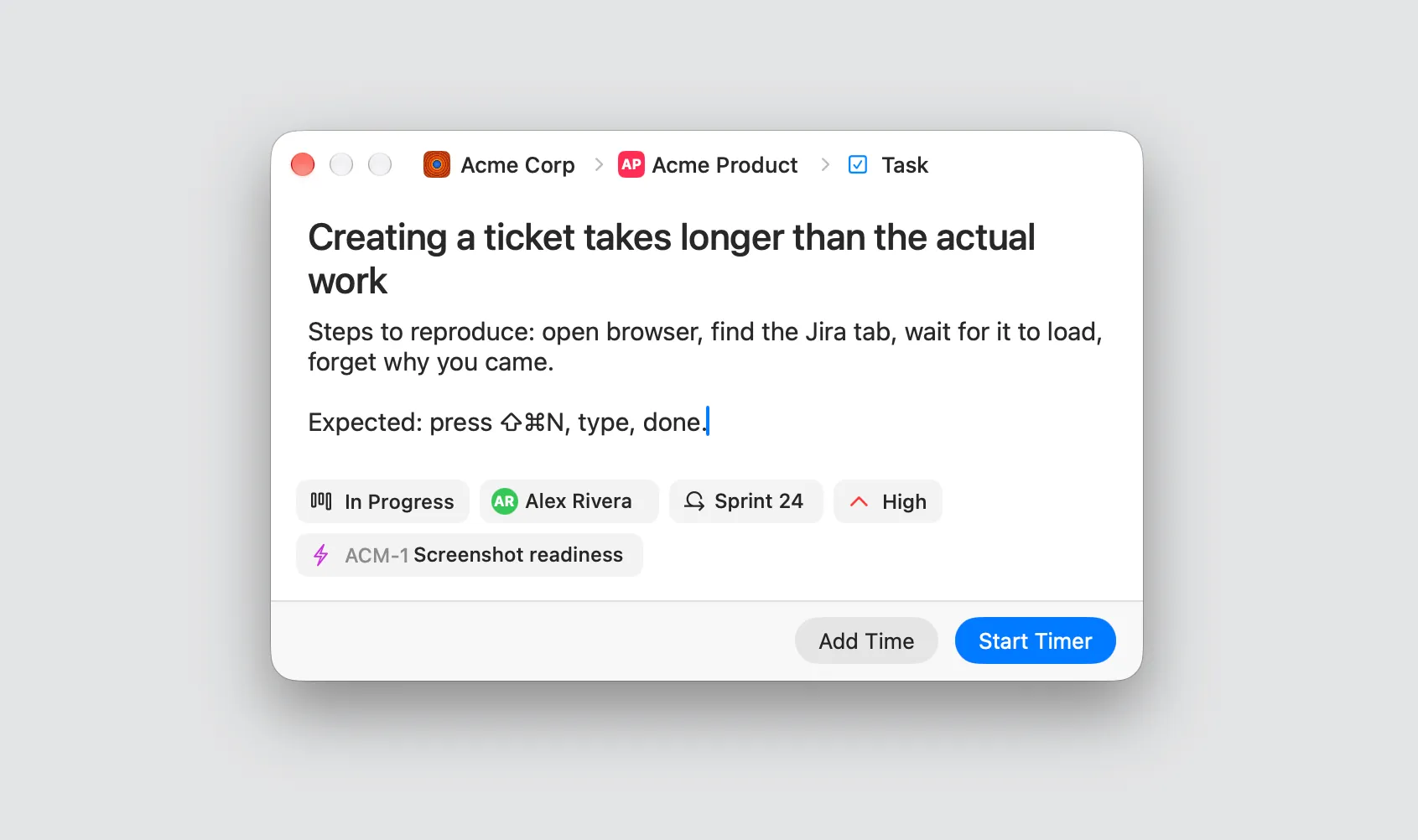
Ticket doesn’t exist yet? Press ⇧⌘N, fill in the essentials, and start its timer the moment it’s created. You can edit existing tickets the same way, or right-click one to move it from To Do to In Progress.
The timer lives in your menu bar
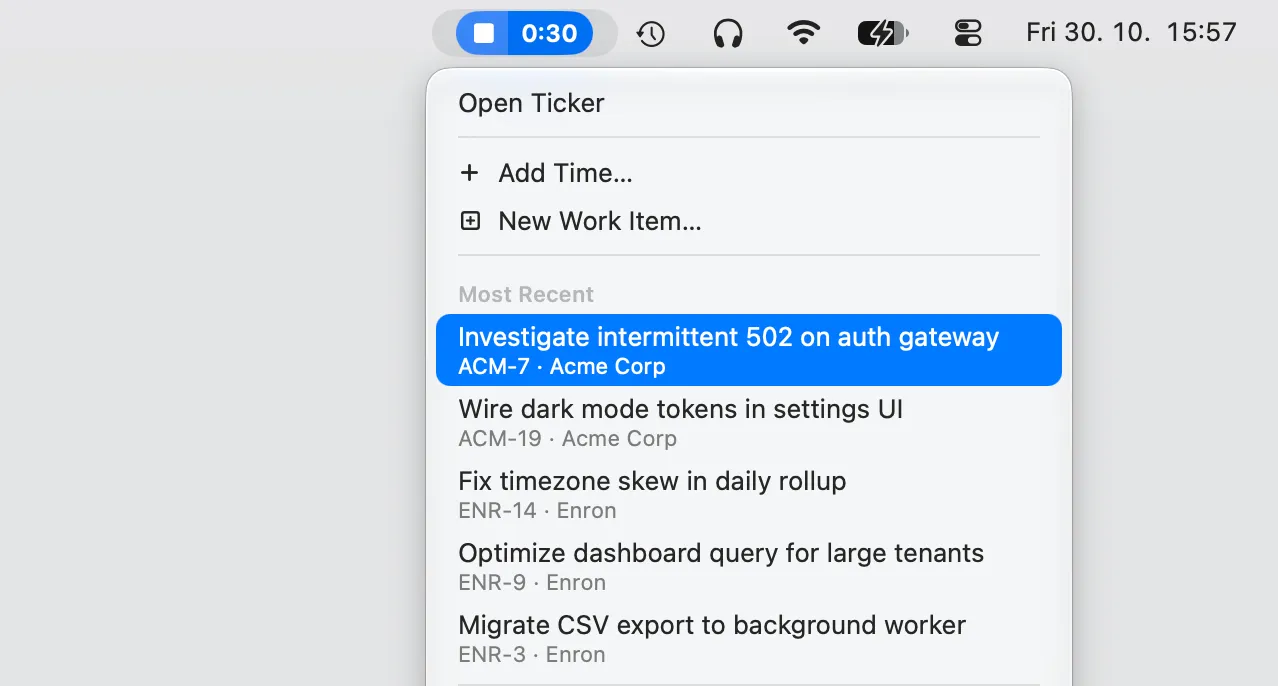
The running timer sits next to your clock, whether you keep Ticker in the Dock or run it menu-bar-only. Started on the wrong ticket? Switch without stopping. Recent tickets are one click away.
Tempo, done properly
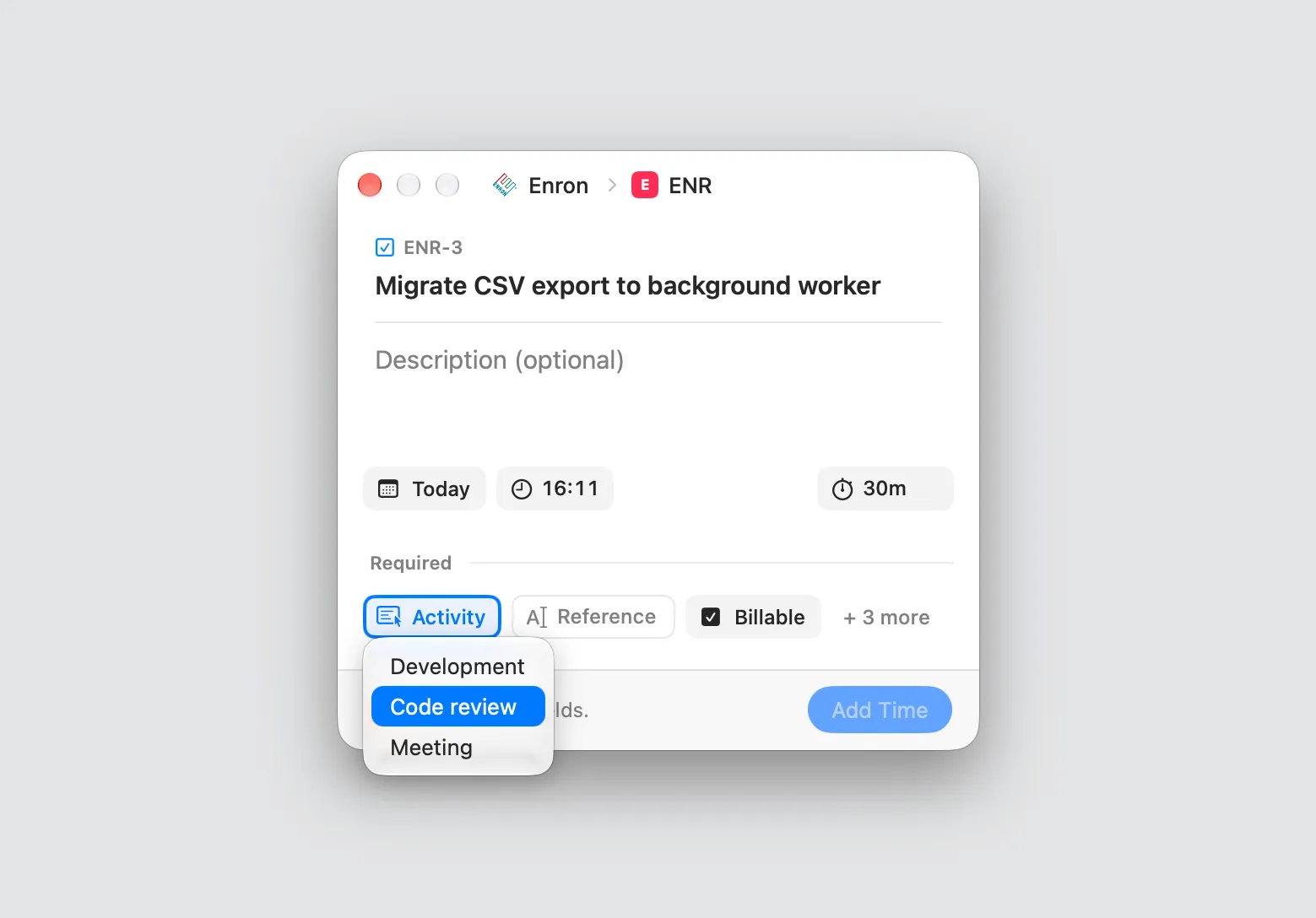
Press ⌘N to add time you forgot to track, or double-click any entry to fix it. If your company runs Tempo, the work attributes it insists on, dynamic dropdowns included, sit right in that same dialog and go to Tempo with your hours. Tempo’s own mobile app can’t do that. I’m a little smug about it.
It forgives you
Walk away for coffee and Ticker asks whether to keep that time. Lose Wi-Fi and your entries sync later. Restart your Mac and the timer is still running.
And the little things
Copy a ticket’s git branch or commit message. Paste a Jira link to find a ticket. Connect several Jira sites if you freelance.
What it costs
Free for one Jira site. Not a trial, just free. Ticker Pro adds Tempo sync, more Jira sites and ticket editing for $3.99 a month or $29 a year, both with 14 days free trial, or $99 once. Ticker runs on latest macOS all the way down to macOS 14 Sonoma.
That’s Ticker
On the last working day of October, I opened Tempo out of habit. It was already full. No Harvest in the other window, no copy-paste, no lost hour. I closed it and got on with my day.
If your month ends the way mine used to, give Ticker a go. Worst case, your last day of the month gets a bit boring.
— [TODO: add final business name]

Start tracking time where you already work.
Free forever for one Jira site. Download Ticker and log your first worklog without ever opening a browser tab.